How do I split an image into equal parts?
Open Custom layout and set Rows and Columns. A 2 × 2 grid makes four pieces; 3 × 3 makes nine. Use one row for side-by-side strips or one column for stacked strips.
Will splitting change image quality?
The tool cuts at the original pixel dimensions without resizing. PNG export avoids additional lossy compression. JPG and WebP are saved again at your chosen quality; even quality 100 may change fine detail. Original color profiles and metadata are not preserved.
Which format should I download?
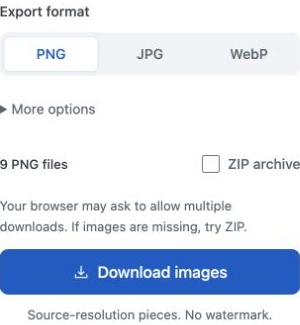
Choose PNG for text, graphics and transparent images. JPG suits photos when file size matters, but fills transparent areas with white. WebP supports transparency and can produce smaller files; check that the app you are uploading to accepts it.
What happens when the dimensions do not divide evenly?
When splitting by Rows & columns with Original selected, every pixel is included. A 1,000-pixel-wide image split into three columns produces widths of 333, 333 and 334 pixels. Exact-size tiles can leave smaller pieces at the edges; choose whether to keep or trim them.
Where is my image processed, and is it stored?
Your image is processed in your browser and is not uploaded to or stored on our servers. Clear the image or reload the page to remove it from the editor. Files you download stay on your device.
Which files can I use?
JPG, PNG, and WebP, up to 25 MB, 24 megapixels, and 16,384 pixels per side. You can export up to 225 tiles. Animated PNG and WebP are not supported. Device memory may impose a lower limit.
 ImageSplitter
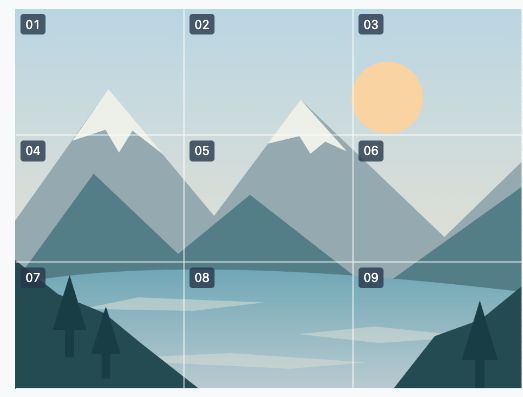

 01
 02
 03
 04
 05
 06
 07
 08
 09